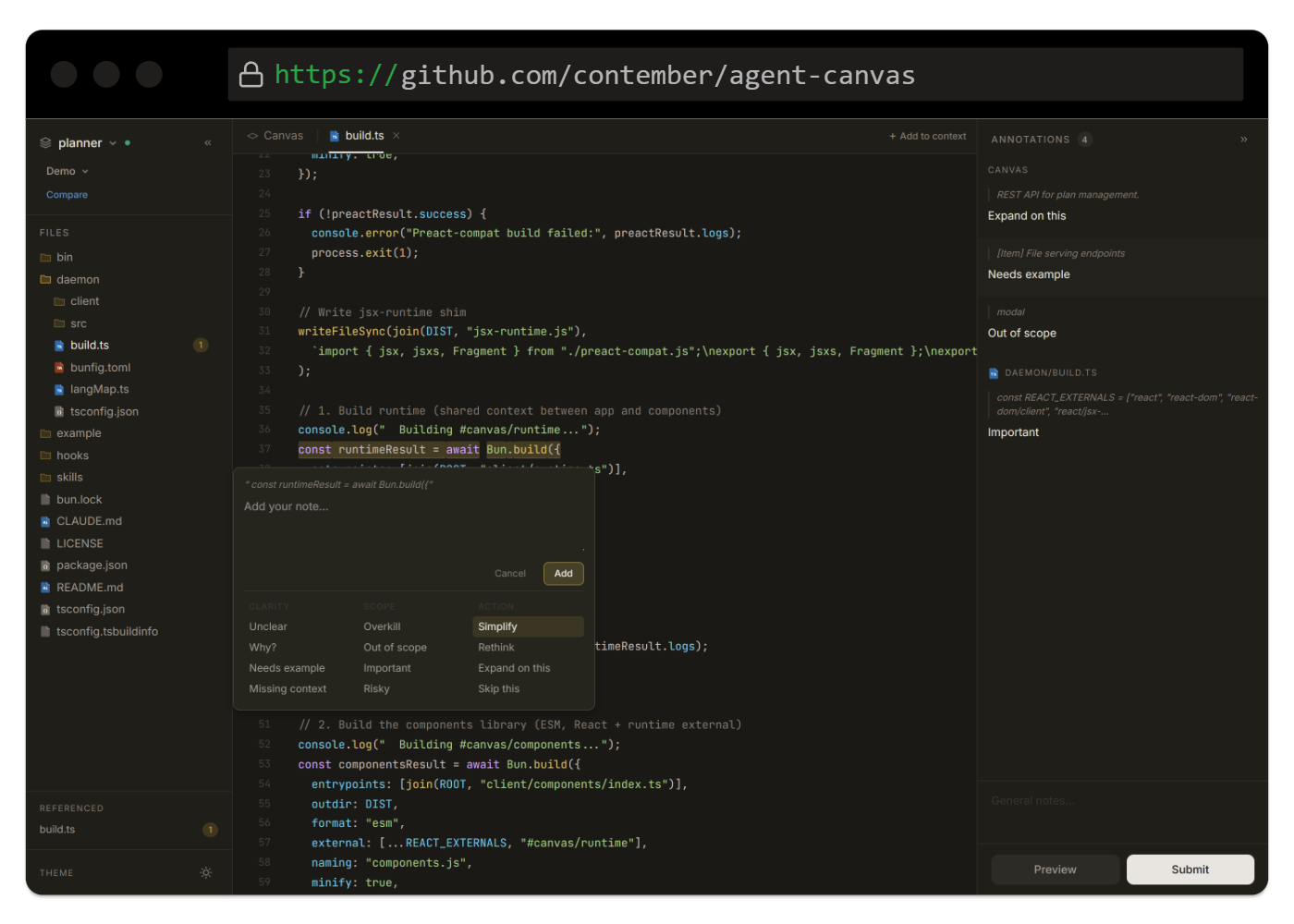
Agent Canvas lets Claude Code render JSX documents in the browser. Annotate, review with your team, and send structured feedback back to the agent in one continuous loop.
Run bunx agent-canvas install once to globally register the /canvas command in your Claude Code CLI.
Ask Claude for a plan, component, or report. It writes standard JSX, auto-compiles it, and launches your browser instantly.
Select any rendered element to leave feedback. Write notes, vote on tasks, or general comments. Feedback returns right to Claude.
Create a shortlink for any revision. Your teammates can review without cloning code. Everything syncs back to your terminal securely.